PPromptha
Sign in
PPromptha
Sign in
HomeCreateAskAskGL QueriesTemplatesSpacesEditorsMarketplaceLearnPricing

From idea to finished creative work.

Start with the result you want. Promptha connects the right Query, Space, model, and editor.
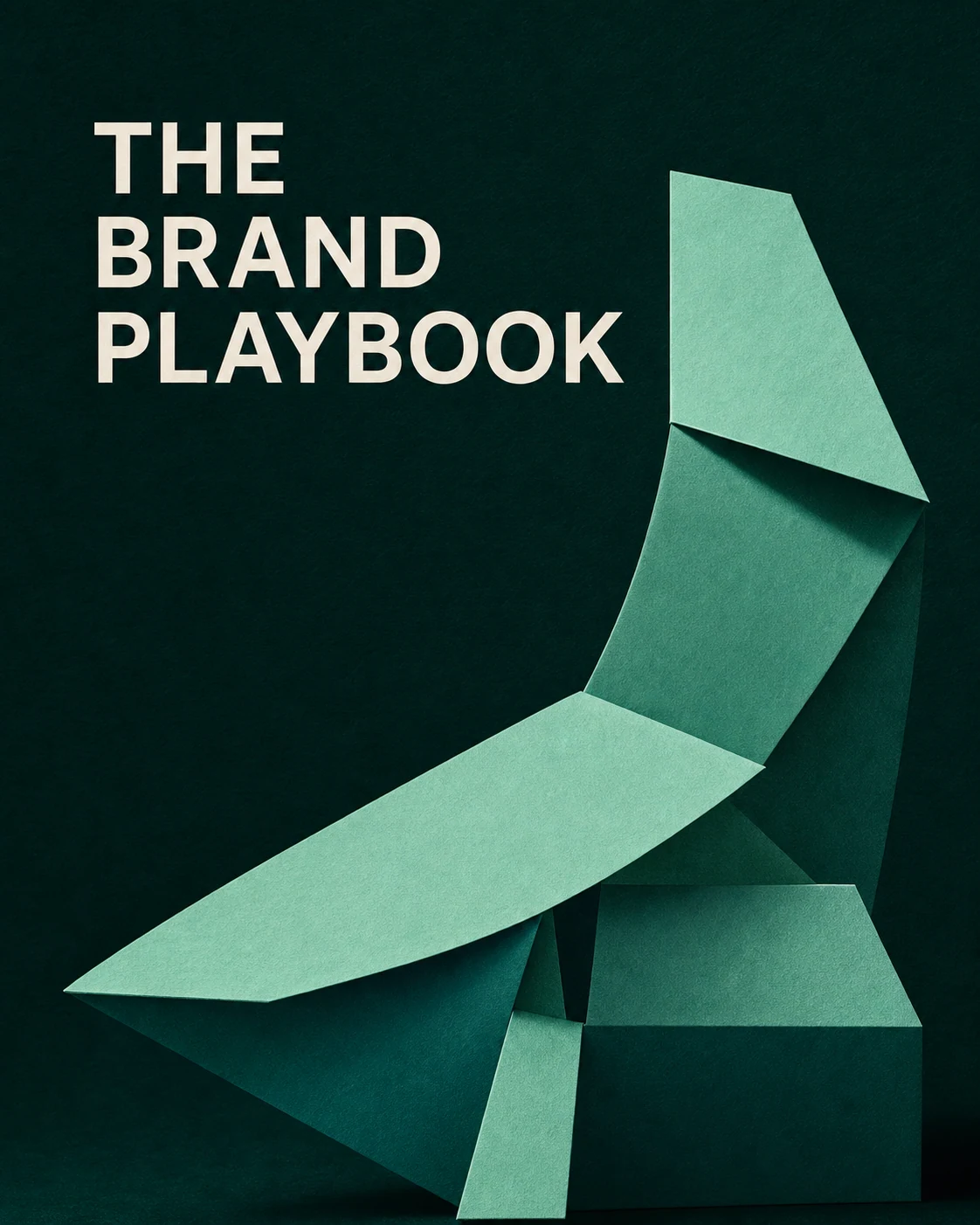
Start creatingExplore Spaces
A finished visual brand playbook
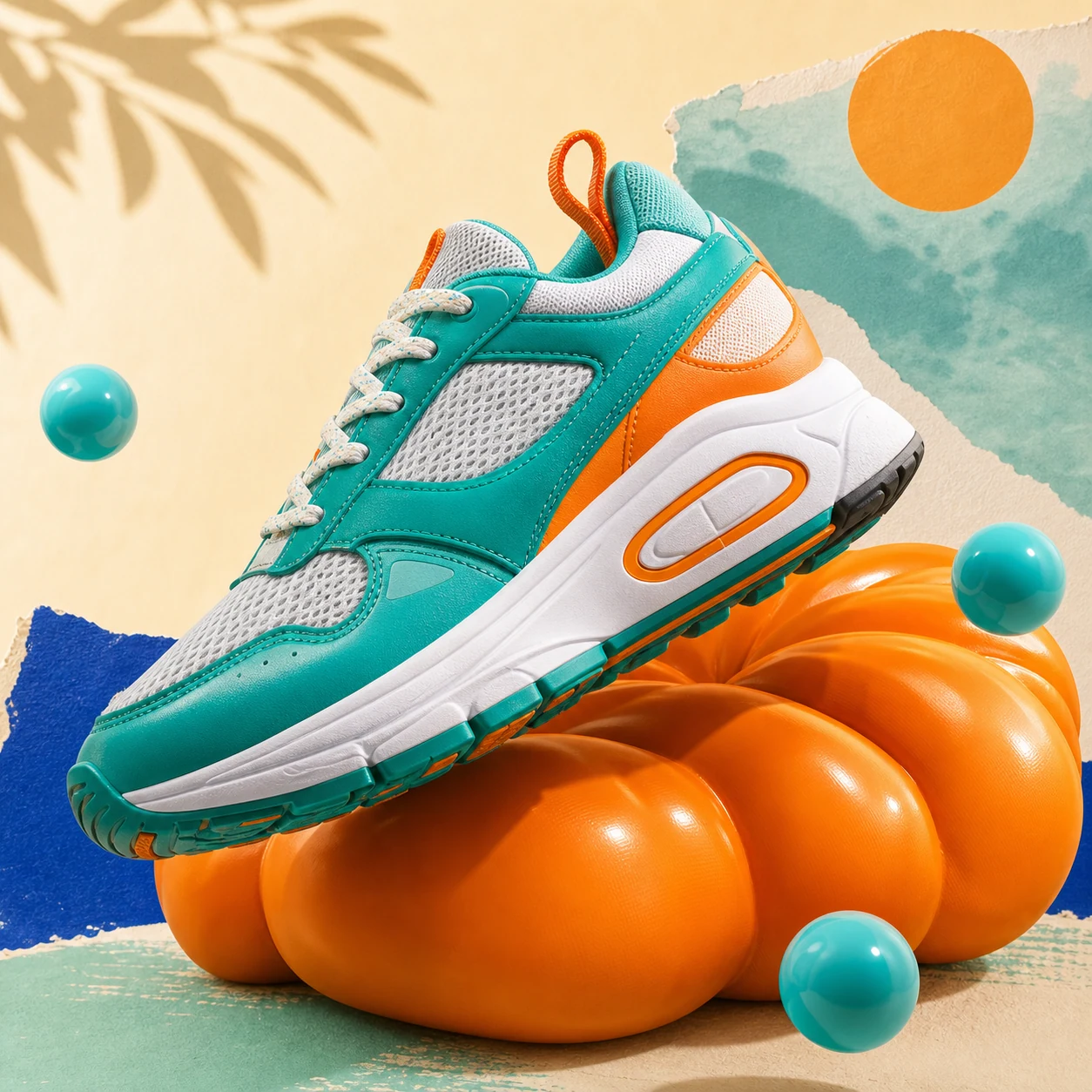
A finished teal sneaker product campaign
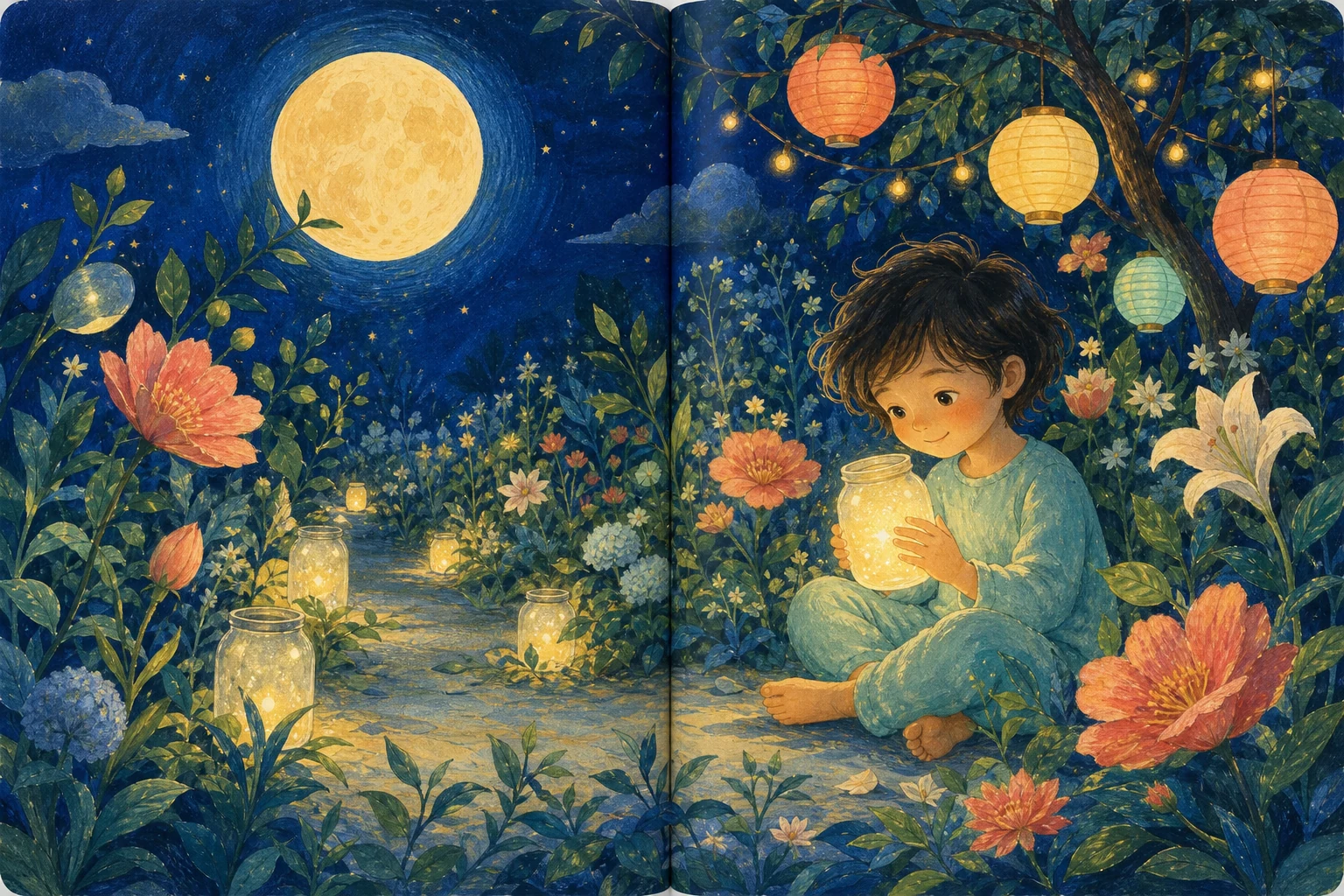
A finished illustrated storybook spread

Choose the right starting point.

Use one quick Query or one reusable Space, then finish in Design Editor.

AskGL Queries

Open the exact instruction behind a verified result and adapt it in Ask.

/poster @promptha.gpt-image-1.5
Browse Queries

Spaces

Arrange sources, generate multiple outputs, and keep the work connected.

Browse Spaces

One idea. Five clear moves.

Every step keeps the source, selected output, and next action connected.

Ask

Describe the finished result.

Choose

Pick the output, model, or starting recipe.

Build

Generate one result or a connected package.

Keep

Save the version you want to continue.

Finish

Edit, export, or share the final work.

See saved projectsOpen Design Editor

Use the model that fits the work.

Choose for the creative job, then keep the rest of the project connected.

Flux Pro

Campaign images

Seedream 4.5

Product visuals

Nano Banana Pro

Image sets

Seedance 2.0

Short-form video

Recraft V4 SVG

Logos and vectors

Sora 2

Cinematic motion

Compare all models

Keep the source. Ship the result.

Save the chosen version, reopen the project, continue in an editor, and export when it is ready.
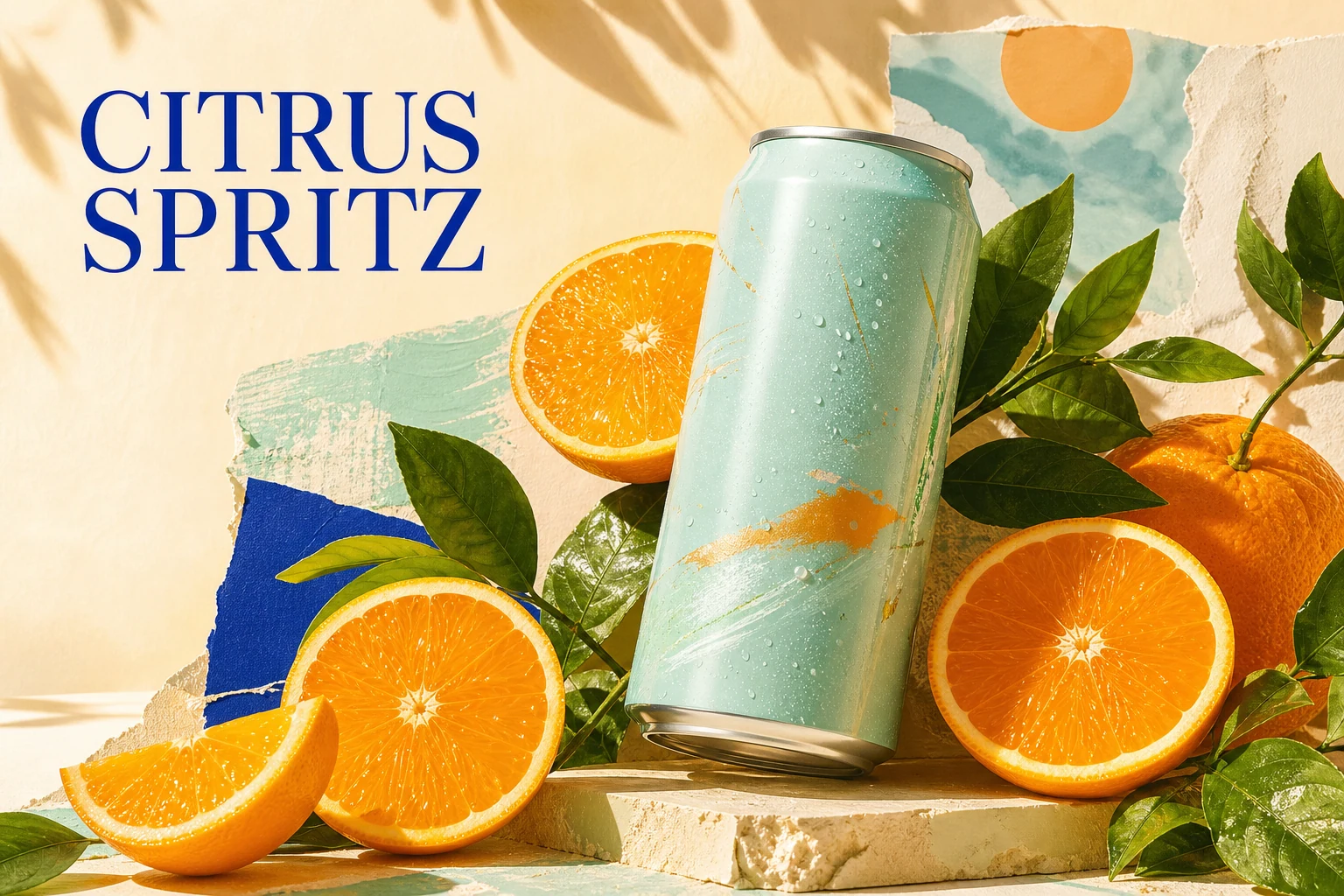
Start creatingBrowse projects
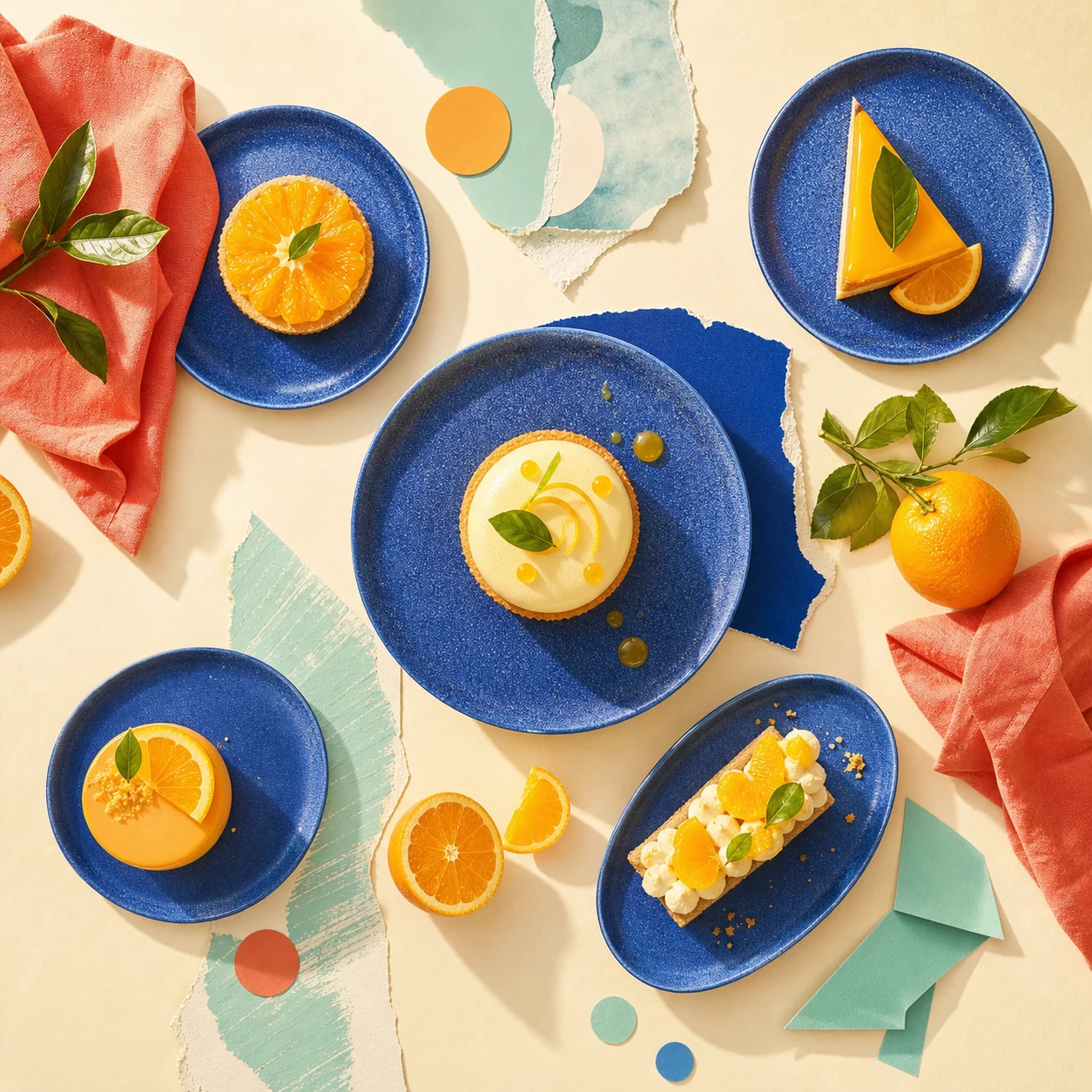
A finished citrus campaign visual
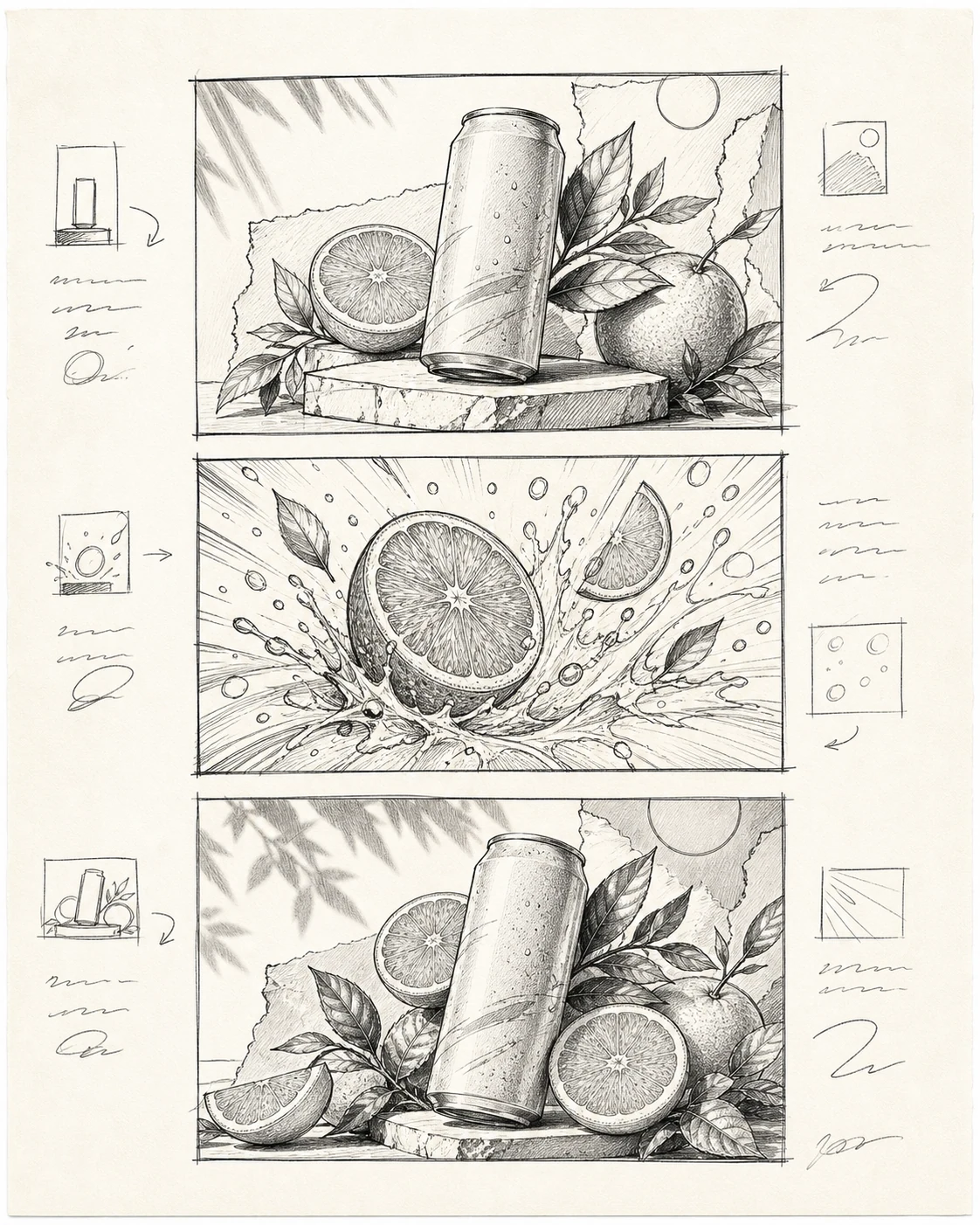
A connected campaign storyboard
A connected campaign product image

    Promptha uses optional analytics to understand which creation paths work. We never send raw prompts, private asset URLs, or invite tokens.