
The second request is where kits fall apart.
You accepted a loaf. Then someone types a new paragraph. The model has no idea which loaf you meant. It invents a second bakery. The homepage now has two products.
@out: is how you refuse that. It is not a command. Commands start with /. @out:shop-hero is the accepted still. The next job has to start from that file.
The picture at the top is the hero we kept. The clip and the mark only count if they attach it.
If you cannot point at the file, you are starting over. Say so.
Name the accepted file
Photorealistic bakery counter hero, one unbranded sourdough loaf on linen, morning window light, cream walls. No readable text or logos.
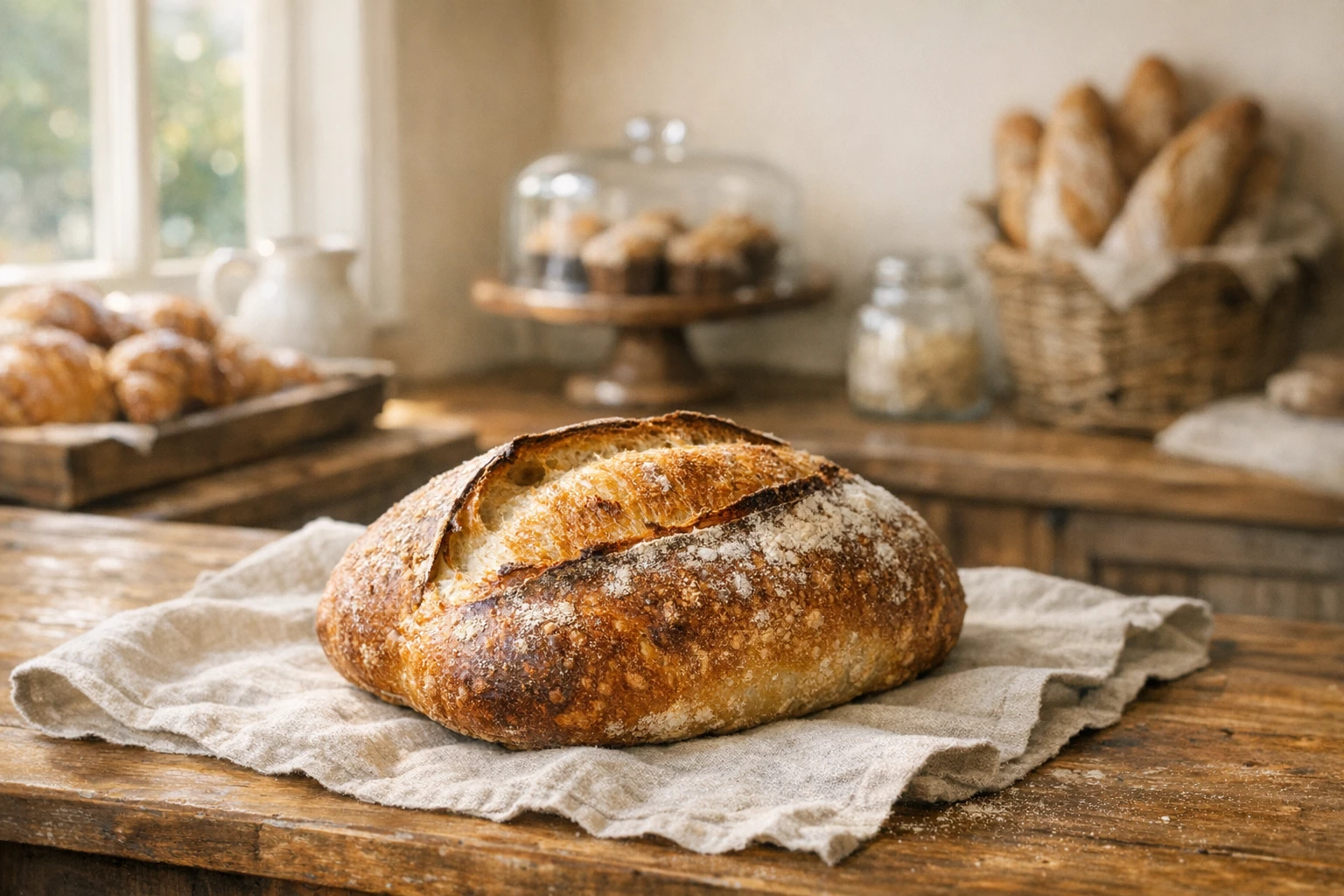
Then the motion job is not a new loaf. It is a drift across this one.
Quick drift across the accepted bakery counter and loaf. No overlays or readable text.
$duration:6 is a clip, not a cropped still. How to ask for video without getting a still. The attachment is the point. Without @out:shop-hero, you asked for a random bakery video.
@last is the previous result in the same conversation. @prev:2 is two results back. @file:storefront.jpg is an upload. --ref @out:shop-hero uses that file as style or composition. It does not replace the subject.
Public Asks do not use @kb:. Public models are @promptha.*. How to pick a @promptha model inside a command.
Same world, different command
The mark is a different artifact. It still has to feel like this shop.
Simple geometric wheat-and-bowl mark. Flat, cream, no letters or numbers.

Then distill:
Distill the accepted wheat-and-bowl mark to a 24px pictogram. One shape, no letters.

That chain is A neighborhood logo mark you can keep editing plus Icon sets you can still change after they generate. The attachment is the kit.
If a follow-up looks like milk bread, you skipped @out: or you accepted the wrong parent. Reject it. Do not put it on the homepage next to the sourdough.
What Ask will stop
An unresolved @out:missing cannot run. There is no file by that name in the conversation. Ask blocks it before spend.
An illegal $aspect on a named route cannot run. Rewrite the frame. Product hero images that stay honest about the object.
A /logo on a photograph route cannot run. Rewrite the vector alias.
The composer is allowed to look yellow on a warning and red on a blocker. Send stays off until the request is legal. That is cheaper than a second shop.
Saved Queries are how you reuse a chain that already worked. Browse Queries instead of retyping folklore. School for the habit is Learn AskGL Queries.
Follow-ups that are still the same loaf
A legal follow-up changes one clause:
- Still to motion, same
@out:. - Mark to pictogram, same
@out:. - Quick still to a more careful still, same
@out:.
An illegal follow-up changes the object and pretends it is a revision. “Also make it more croissant” is a new product. Write a new /image if you mean that. Do not hang it off shop-hero.
Brand mood images before you lock a kit is how you choose the room before this chain starts. How to write an AskGL request people can reuse is how the line stays pasteable after the attachment.
If the composer warns that style can drift, it is telling you the follow-up has no parent. Add @out: or @last. Then send.
Keep going in the same thread
Ask is a conversation. Name the artifact. Accept the file. Attach it. Change one clause: still to motion, mark to pictogram, quick to care.
Do not invent a new public URL for “bakery kits.” There is no fourth ranking family. The living surfaces are Ask, Queries, and the Design Editor or Image Editor when you need to finish.
Then type the next command with @out: on the file you actually kept. That is the next step. Everything else is a new shop.
Frequently asked questions
Is @out: a command?
No. Commands start with /. @out:shop-hero is the accepted file named shop-hero.
What is the difference between @out: and --ref?
@out: carries the accepted result into the next job. --ref @out: uses that file as style or composition without replacing the subject.
What happens if I skip the attachment?
The next command will roll a new object. That is how a sourdough hero becomes a milk-bread banner.
